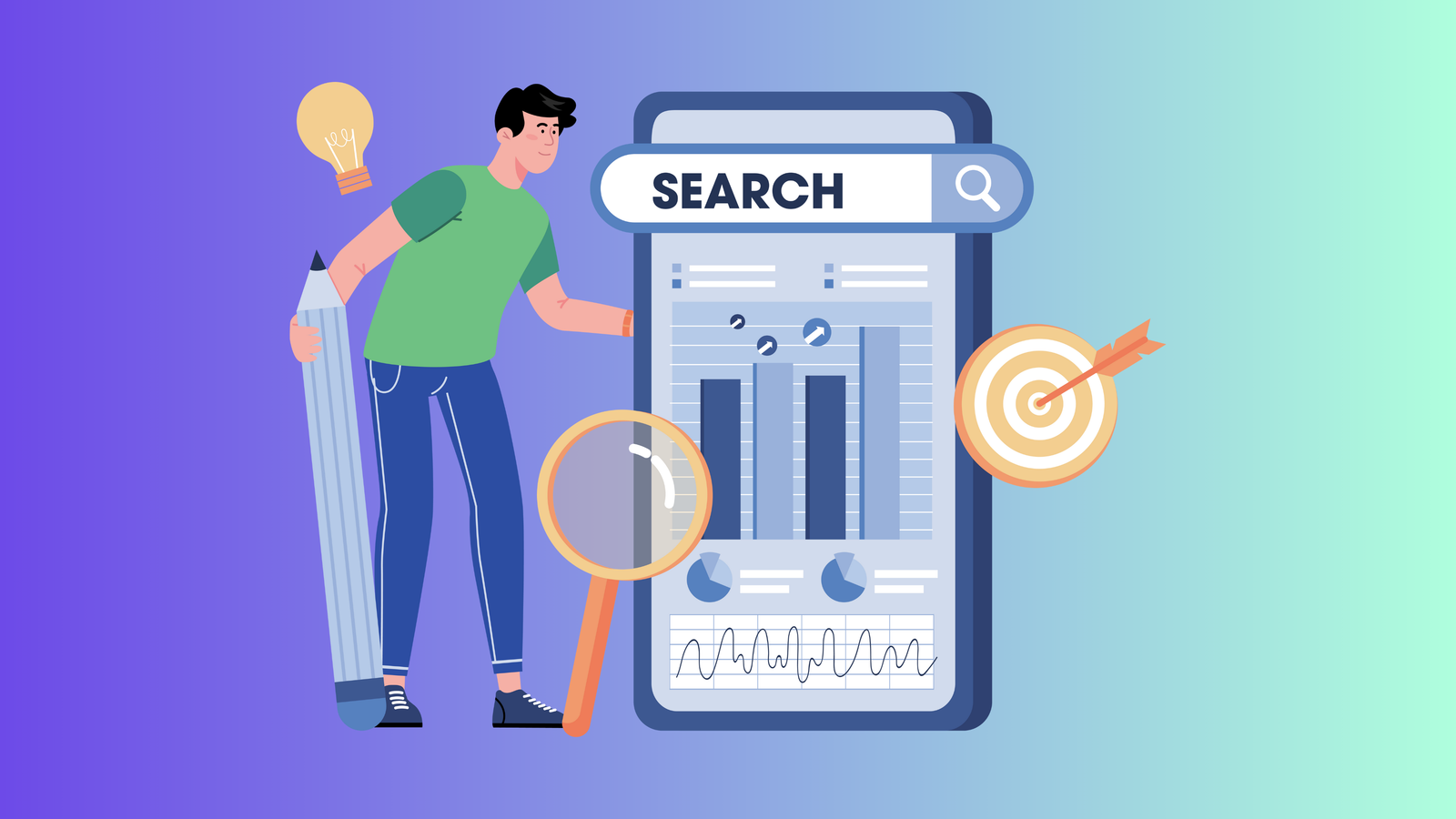
I remember standing in a dusty corner of a thrift store in rural Ohio back in November 2024, holding a strange, geometric ceramic vase that had no brand markings or artist signatures. At first glance, it looked like a $5 target clearance item, but something about the weight felt significant. I pulled out my phone, opened my camera, and let the software scan the silhouette. Within three seconds, I was staring at a listing for a mid-century Japanese Ikebana vessel that had recently sold for $340. That moment wasn't just a lucky break; it was a total shift in how I interact with the physical world. Visual AI has reached a point where we no longer need to guess or spend hours typing vague descriptions into a search bar. Today, my phone isn't just a communication device; it is a high-powered research assistant that understands shape, texture, and historical context better than most human experts.
What is Google Lens and Why Does it Matter?
Before we dive into the advanced tactics, we should probably address the basics: what is google lens and why has it become the backbone of the modern reseller’s toolkit? Simply put, it is a visual recognition technology developed by Google that uses neural networks to detect objects, text, and even landmarks within an image. In the early 2020s, it was a neat party trick. But by 2026, it has evolved into a multimodal powerhouse. It doesn't just look at the pixels; it looks at the relationship between objects. If you point it at a pair of sneakers, it doesn't just say "shoes." It identifies the colorway, the release year, and the current market value across various platforms.
The beauty of this system is its accessibility. Many people ask, is google lens free? Absolutely. It is integrated directly into the Google app, Chrome, and even the native camera apps on many Android devices. For us resellers, this means we have a professional-grade identification tool at no cost, allowing us to spend our capital on inventory rather than expensive database subscriptions. I once found a pair of vintage sunglasses that I thought were junk, but a quick google lens search revealed they were a rare 1970s prototype from a defunct Italian boutique. I bought them for $1 and sold them for $210.
How to Use Google Lens on iPhone and Android
One of the biggest misconceptions I hear is that this is only for Google Pixel or Samsung users. In reality, google lens for iPhone has become incredibly robust. If you're an Apple enthusiast, you have a couple of ways to access this. You can download the standalone Google app, or you can use the Google Photos app to perform a reverse image search on photos you’ve already taken.
Here’s where it gets interesting: the 2026 update for iOS allows you to integrate Lens directly into your "Share Sheet." This means if you see a cool outfit on Instagram, you can just tap the share button and select "Search Image" to find the exact brand. Now the tricky part is ensuring your privacy settings allow the app to access your camera and photos. I’ve seen many friends get frustrated because the app "wasn't working," only to find out they had denied camera permissions in their settings.
Step-by-Step: How to Use Google Lens
-
Open the App: Launch the Google app or Google Photos on your device.
-
Tap the Lens Icon: It looks like a small colorful camera frame inside the search bar.
-
Point or Upload: Either aim your camera at the object or upload a screenshot from your gallery.
-
Refine Your Selection: You can drag the corners of the focus box to hone in on a specific detail, like a logo or a unique pattern.
-
Browse Results: Scroll through the "Visual Matches" to find pricing, names, or historical data.
I use Closo to automate my daily sharing and cross-listing tasks – it saves me about 3 hours weekly, which gives me more time to spend in the field using visual search to find new treasures. If you want to dive deeper into how to sell items online in 2026, knowing how to identify your items correctly is the absolute first step.
Search Clothes by Picture: The Reseller’s Secret Weapon
If you’ve ever walked into a chaotic clothing rack and wondered how to find an item from a picture, you aren't alone. Fashion is perhaps the most difficult category to source because trends move so fast and tags are often cut out. This is where search clothes by picture becomes a game-changer. In early 2025, I found a silk blouse with a stunning floral pattern but no brand tag anywhere. I used google lens iPhone to snap a photo of the unique print. Within seconds, it identified the pattern as a limited-edition collaboration from 2022.
But I’ll be honest, I’ve had my share of failures here. I once found a "designer" bag that Lens identified as a $2,000 masterpiece. I bought it on the spot for $100, only to find out later that it was a very high-quality "super-fake" that the AI couldn't distinguish from the original. (Neural networks are good, but they can't feel the leather or smell the glue—yet.) This taught me that Lens should be used for identification, but manual authentication is still non-negotiable for high-ticket items.
Advanced Reverse Image Search Tactics
We’ve all been in that situation where we think, "what is this?" as we stare at a piece of machinery or an obscure kitchen gadget. Beyond just identifying products, a reverse image search in 2026 can help you find the original MSRP (Manufacturer's Suggested Retail Price), the care instructions, or even the assembly manual.
So, rather than just knowing what it is, you can provide a much more professional description in your listings. If I’m selling a vintage coffee maker, I can include the exact wattage and the year it was discontinued, all found via a quick image scan. And here is a pro-tip: if the first search doesn't work, try searching just the logo or the specific hardware (like a unique zipper pull or a button). Sometimes the AI gets overwhelmed by a busy pattern and needs a specific focal point to succeed.
How to Turn Off Google Lens (And Manage Your Privacy)
I get a lot of questions about privacy. People often ask how to turn off google lens because they feel uncomfortable with a search engine "watching" their camera roll. While I find the tool indispensable, I understand the need for boundaries. On most devices, you don't really "turn off" Lens as much as you just stop using the feature. However, you can go into your Google Account settings and clear your "Visual Search History" if you don't want a record of every item you’ve scanned.
I admission I was a bit creeped out when I first realized Google was saving the location data of where I took my sourcing photos. Since then, I’ve become much more diligent about checking my activity controls. If you’re on an iPhone, you can also limit "Full Access" to your photos, allowing the app to see only the specific pictures you select for a reverse image search.
Comparing Visual Search Tools in 2026
While google lens is the heavy hitter, it isn't the only player in the game. I’ve tested several other google lens appcompetitors over the last year to see if anyone could beat the search giant at its own game.
In my opinion, Google still wins because its database is simply larger. It isn't just pulling from shopping sites; it’s pulling from every corner of the web. I use Closo to automate my background removals and image enhancements after I've identified an item – it makes my thrifted finds look like they were shot in a professional studio, which definitely helps with the higher price points. For more on optimizing your listing workflow, checking out the latest in image processing is a must.
Using Google Lens Search for Text and Translation
Another underrated feature of the google lens app is the ability to translate text in real-time. If you find a vintage item with instructions in German or Japanese, you can just point your camera at it, and the text will magically transform into English on your screen. This has saved me from accidentally ruining a delicate vintage garment by misreading the cleaning instructions.
Now the tricky part is when the text is handwritten or heavily stylized. I once found a signed sports jersey and tried to use Lens to identify the signature. It failed miserably. It turns out that while the AI is great at "OCR" (Optical Character Recognition) for printed fonts, it still struggles with the messy scrawl of a professional athlete. For that, you still need to join specialized Facebook groups or subreddits.
Common question I see: Is Google Lens better than a barcode scanner?
People always ask me this when they see me in the book section of a thrift store. Barcode scanners like those found in the Amazon Seller app or ScoutIQ are great for new-in-box items. But for anything "long-tail" or vintage, barcodes don't exist. Google lens search is essentially a "barcode scanner for the real world." It scans the visual DNA of the item instead of a printed code. I’ve found that for used clothing and home decor, Lens is about 10x more useful than any barcode app.
People always ask me: does it work on screenshots?
Yes, and this is one of my favorite "lazy" sourcing hacks. If I see a celebrity wearing a cool jacket on a talk show, I’ll just take a screenshot and then use google lens iPhone to search that specific frame. I did this in August 2025 with a unique pair of sneakers I saw in a YouTube video. It led me straight to a boutique in London that still had one pair in stock. I bought them, flipped them, and made a $90 profit without ever leaving my couch.
Honest Failures: The "Misidentified" Designer Chair
I promised to be transparent, so here is a story that still stings. In February 2025, I found a sleek, modern chair at an estate sale. I used google lens and it confidently told me it was an "Herman Miller Eames Side Chair." Based on that, I paid $150 for it. When I got it home and did a deeper dive, I realized it was a very convincing replica from a mid-tier furniture store. The AI had recognized the design, but it hadn't noticed the subtle difference in the bolt pattern on the underside.
What did I learn? Google Lens is a "pointer," not an "end-all-be-all." It points you in the right direction, but you have to do the legwork to verify the authenticity. If you’re selling high-value items, checking the hardware, the stitching, and the manufacturer marks is your responsibility, not the app's. I use Closo to manage my multi-platform inventory – it helps me keep track of these "lesson learned" items and ensures I'm pricing them accurately based on their real value, not just the first search result I saw. You can read more about preventing sourcing mistakes to keep your margins healthy.
Conclusion
Looking back at how much time I used to waste typing things like "blue floral plate with gold rim and small bird in center" into search bars, I feel a sense of profound relief. Google lens 2026 has essentially democratized knowledge. You don't need a PhD in art history or a lifetime of experience in the fashion industry to be a successful reseller anymore; you just need a good camera and a bit of curiosity. While the technology isn't perfect—and I’ll probably always be a bit wary of its ability to spot a high-end fake—it is undoubtedly the most powerful tool in my daily arsenal. By combining visual search with smart automation like Closo, I’ve turned my reselling hobby into a streamlined, high-efficiency business. The world is full of hidden value; you just have to know how to look at it.