
How Do I Mark Items as Sold?
When an item sells on Poshmark or Shopify, Closo automatically updates it in your dashboard. If it sells somewhere else, you can manually mark...
Guides, playbooks and switch stories for resellers — crosslisting, pricing, sourcing and running the whole business in one place.
When an item sells on Poshmark or Shopify, Closo automatically updates it in your dashboard. If it sells somewhere else, you can manually mark...

Bulk price editing is not yet available in Closo, but it’s coming soon. You’ll be able to adjust prices for all selected items at...
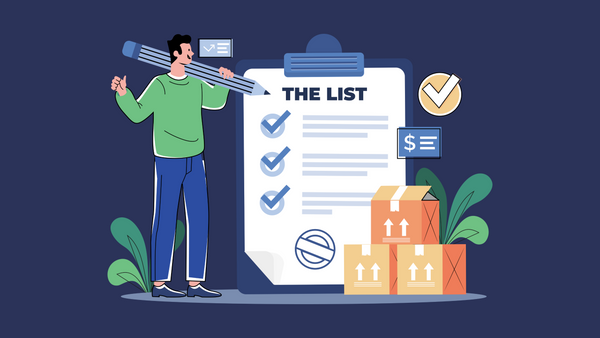
You don’t need to import every product — Closo also lets you create new listings from scratch. Enter product details once, then crosslist to...

Closo makes it simple to bring in your existing inventory. Once your marketplace is connected, you can scan, preview, and select the items you...
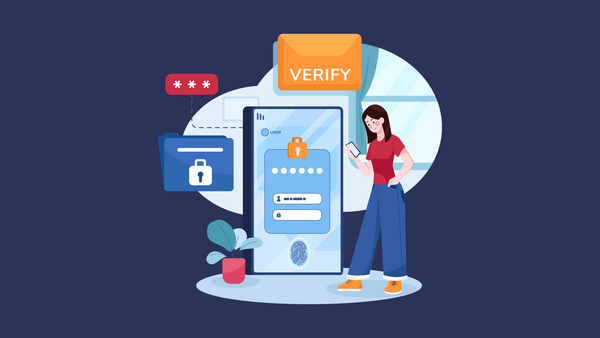
Sometimes your marketplace connection may expire, but fixing it only takes a minute. Here’s why it happens and how to get back on track.

Connecting your marketplaces is the first step to using Closo. Once linked, your inventory will sync automatically, letting you crosslist, relist, and automate with...
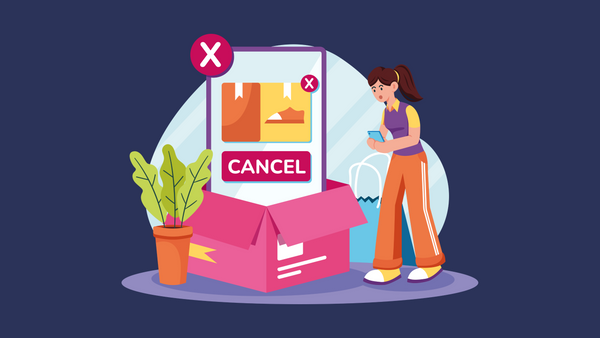
You’re always in control of your Closo subscription. Here’s how to switch between plans or cancel if needed.

Closo makes it easy to start free and scale with automation when you’re ready. Here’s a breakdown of what’s included in each plan.
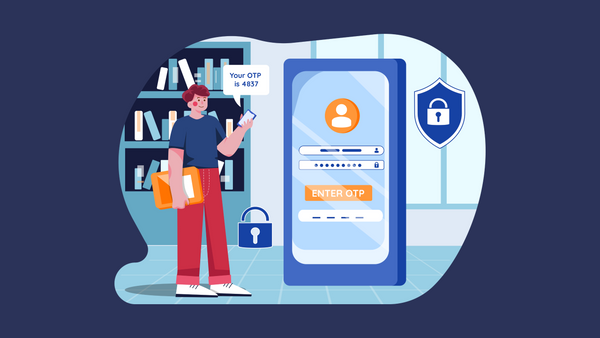
Creating your Closo account is quick and free. In just a few steps, you’ll be ready to connect your marketplaces, import products, and start...

AI Agents are your built-in assistants in Closo. They analyze your inventory, marketplace signals, and sales data — then automatically take action, like repricing...

Closo gives you free access to all the tools you need to manage your resale business. You only pay for advanced automation (AI Agents,...

Closo helps sellers manage their entire resale workflow in one place. From importing products and creating listings to pricing and relisting unsold items, Closo’s...
Crosslisting tips, marketplace playbooks, and Closo updates — no spam.
One email when it’s worth it. Unsubscribe anytime.
We use strictly-necessary cookies to run Closo, and — only with your consent — preferences, analytics, and marketing cookies. See our Cookie Policy.